PIC CLEAR
Now in TestFlight

PRIVATE PHOTO CLEANUP · IPHONE

Find the photos worth reviewing.Then decide what goes.

PicClear finds similar shots, exact duplicates, and space-hungry files right on your iPhone. Review a group, swipe unwanted photos into a list, and confirm once at the end.

3 GBautomatic selection each day
On-devicephoto analysis stays local
0deletions without approval
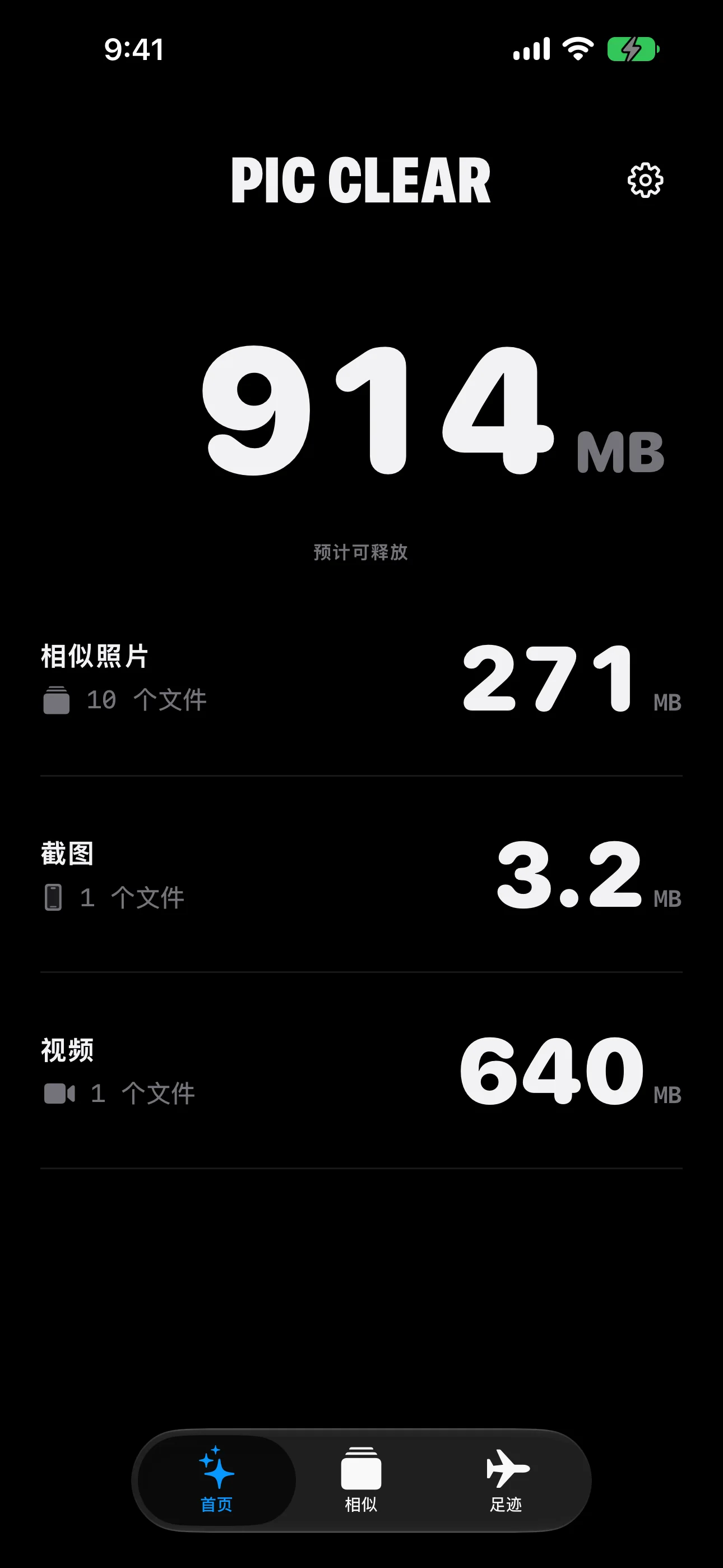
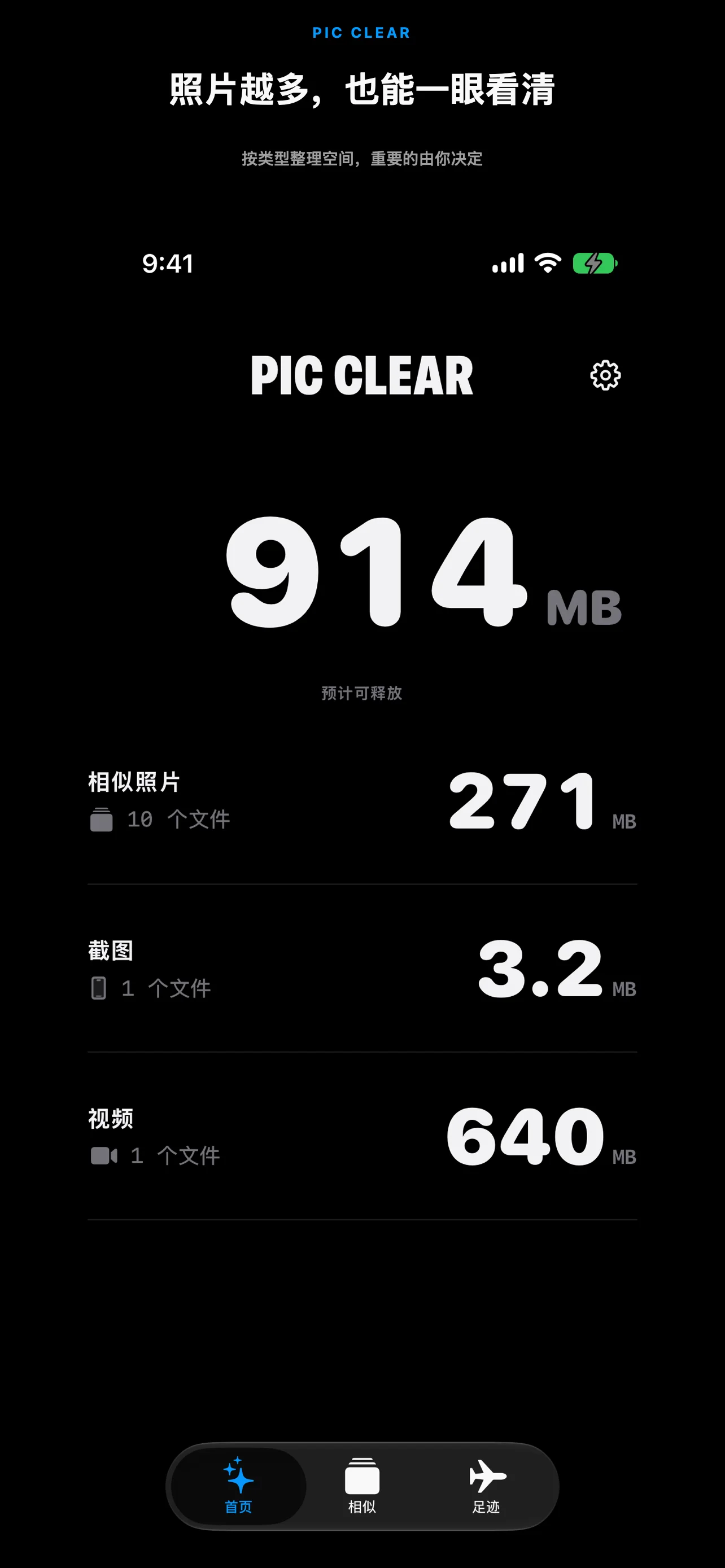
PicClear home screen
Manual selection and deletion stay free

U.S. App Store build · Actual interface

Similar photosExact duplicatesVideos & large filesLow-quality shotsScreenshots

NOT A ONE-TAP PURGE

Review faster. Delete with confidence.

PicClear does not decide which memories matter. It brings the photos worth checking into one place, so you spend less time hunting and more time making clear choices.

01

Start with groups

Similar shots, duplicates, and large files are separated so you do not have to search your whole library.

02

Compare before choosing

Review related photos side by side and keep the shot you actually prefer.

03

Confirm at the end

Swipe up to add, swipe down to undo, and review the full Delete List before anything is removed.

SIDE-BY-SIDE REVIEW

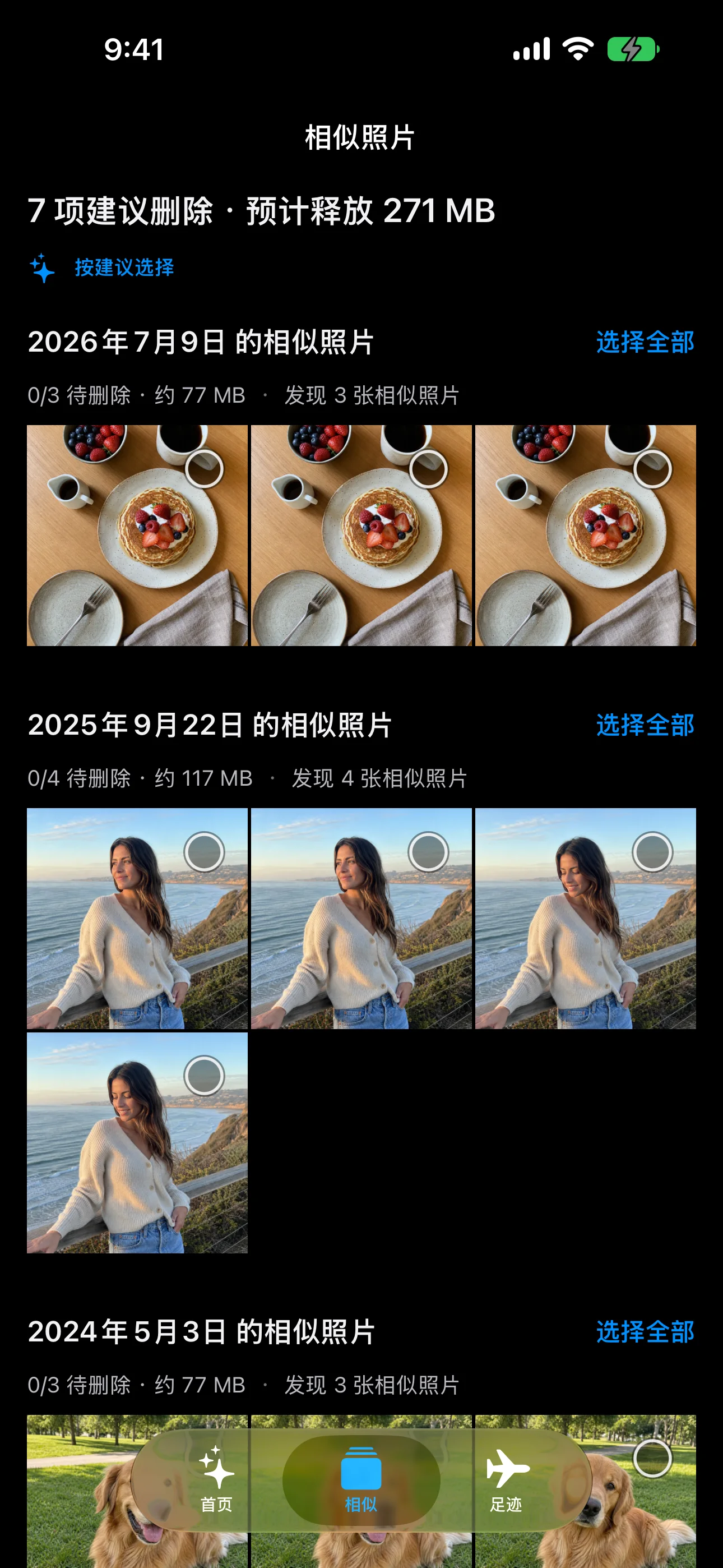
Similar shots make more sense together.

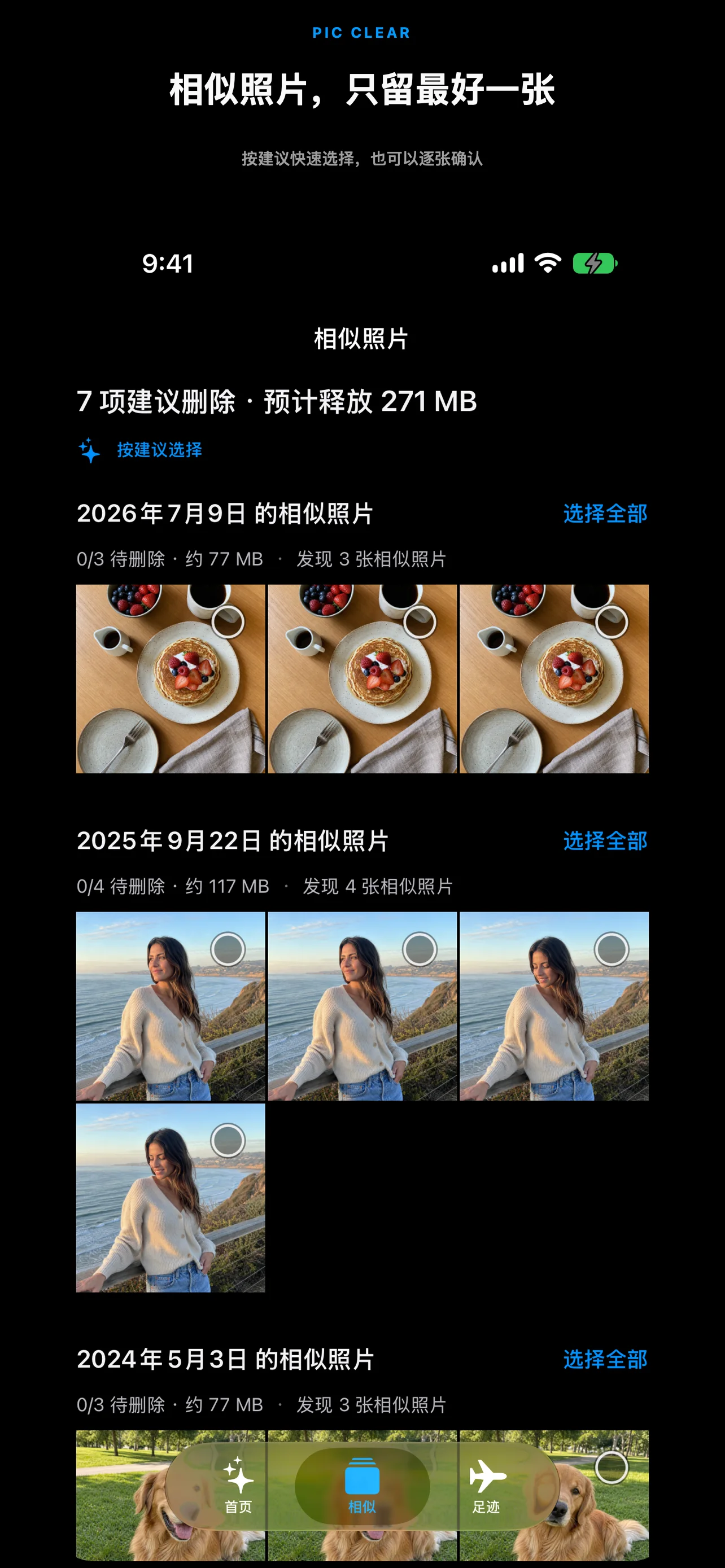
PicClear groups burst shots and photos from the same moment. A suggestion is only a starting point—the keeper is always your choice.

  • Similar photos are never preselected
  • Change the suggested keeper at any time
  • See item counts and estimated space at a glance
PicClear similar-photo groups

SWIPE TO REVIEW

Swipe up to add. Swipe down to undo.

One photo at a time keeps every action clear. The Delete List is only a list until you review it and approve the final iOS deletion prompt.

  • Swipe up to add to the Delete List
  • Swipe down to undo your last choice
  • Every deletion still requires iOS confirmation
PicClear swipe-to-delete review

FREE & PRO

The free version works. Pro simply removes the limits.

Everyone can try the complete review, selection, and deletion flow. Upgrade only when you want to process more at once.

FREE

Free

$0Free for the long run
  • Manual selection and deletion
  • 3 GB of automatic selection each day
  • Your approval before every deletion
PRO

PicClear Pro

UnlimitedFor larger photo libraries
  • Unlimited automatic selection
  • Continue analyzing your full library
  • Suggestions from the last 7 days
  • Space changes and weekly reminders
$2.99 / monthBEST VALUE$14.99 / year$29.99 lifetime

Prices may vary by App Store region.

PRIVATE BY DESIGN

Photo cleanup does not require a photo upload.

Similarity, sharpness, and file size are analyzed on your iPhone. PicClear does not build a cloud copy of your library or delete photos in the background.

Read the full privacy policy
01

Processed on-device

Your photos do not need to visit our servers.

02

No cloud duplicate

PicClear does not keep a second copy of your library.

03

You confirm deletion

The final action uses the standard iOS Photos confirmation.

FAQ

Straight answers before launch.

01Will PicClear delete photos automatically?

No. Automatic selection can check suggested items for you, but nothing is deleted without your confirmation.

02What does the free 3 GB daily limit mean?

The free version can automatically select up to 3 GB of suggested removals each day. Manual review, selection, and deletion are not limited by that allowance.

03Does Pro have a cleanup limit?

No. Pro removes the daily automatic-selection limit and adds full-library analysis, recent suggestions, space changes, and weekly reminders.

04When can I download it?

PicClear is currently in TestFlight and preparing for App Store release. Email us to receive a launch update.

PicClear

COMING TO THE APP STORE

Your library does not need to be finished today.

PicClear is completing its pre-launch testing. We will send one note when it is ready.

Get a launch update